Industry Leading Hardware
WiFi Perfected
Product Series
All Products
Enterprise Series
Flagship Series
Wall Series
Outdoor Series
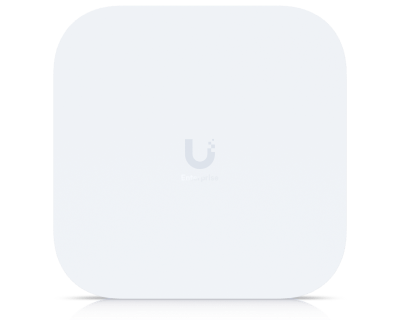
E7
10G PoE uplink and a redundant GbE port for high availability in critical enterprise environments
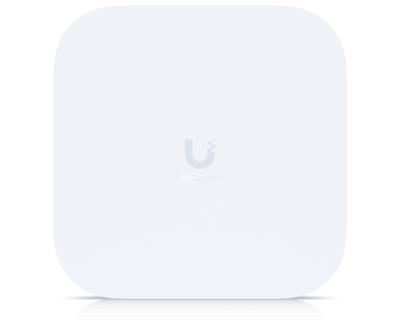
E7 Campus
Outdoor rugged IP67 design and PRISM™ active RF filtering technology - perfect for campuses
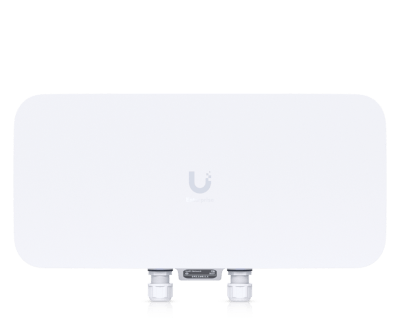
E7 Audience
1500+ client devices for high-density environments like stadiums and arenas, with 6 GHz support
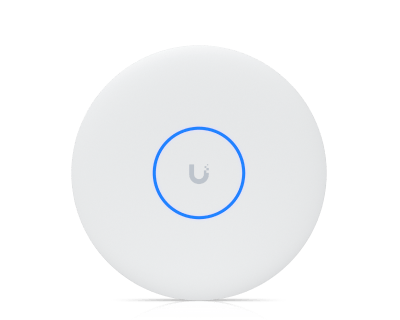
U7 Pro XGS
10G, 8-stream WiFi 7 AP
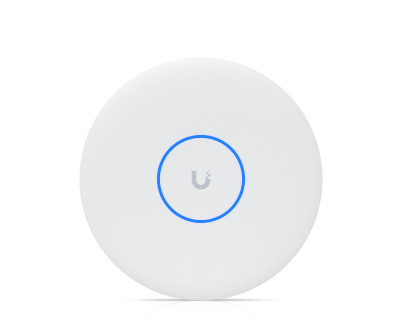
U7 Pro XG
10G, 6-stream WiFi 7 AP
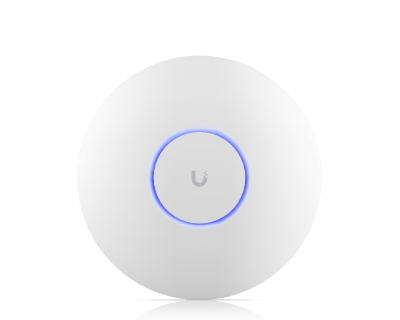
U7 Pro Max
High-density WiFi 7
U7 Pro
WiFi 7 AP with 6 streams, 6 GHz for large spaces
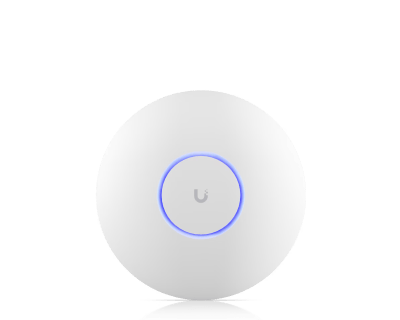
U7 Long-Range
WiFi 7 AP with 5 streams and extended signal range
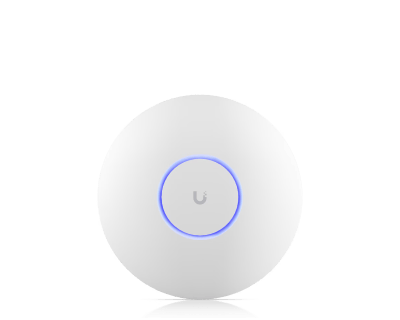
U7 Lite
Compact WiFi 7
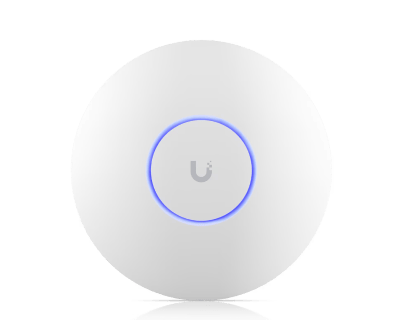
U6 Enterprise
Incredible WiFi 6E
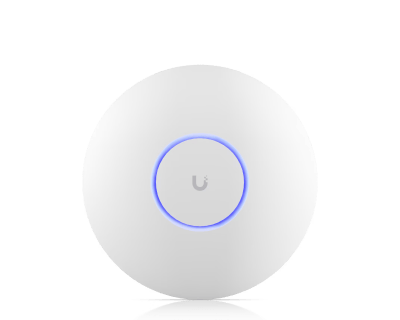
U6 Pro
Impressive performance
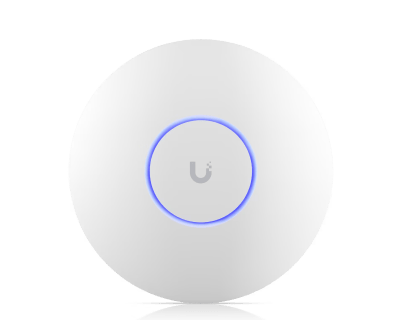
U6 Long-Range
Extended coverage
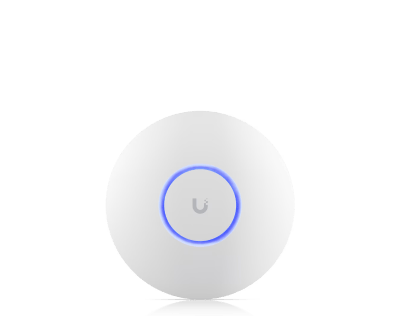
U6+
Outstanding value
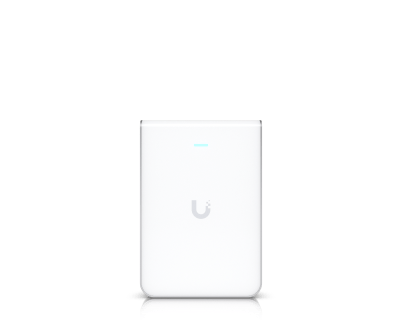
U7 Pro Wall
WiFi 7 and 6 GHz, tailored for interiors.
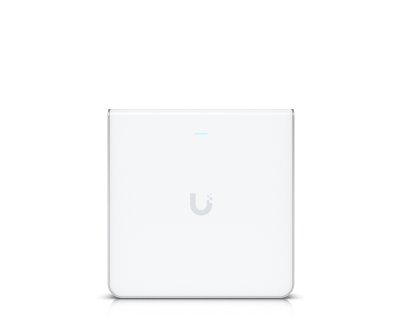
U6 Enterprise In-Wall
Additional 6 GHz radio for high-density environments

U7 In-Wall
WiFi 7 AP with integrated 2.5 GbE PoE switch
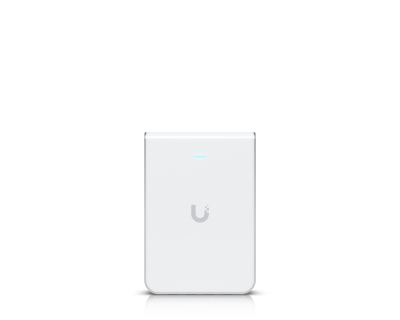
U6 In-Wall
Low-profile WiFi 6 AP with a built-in PoE switch
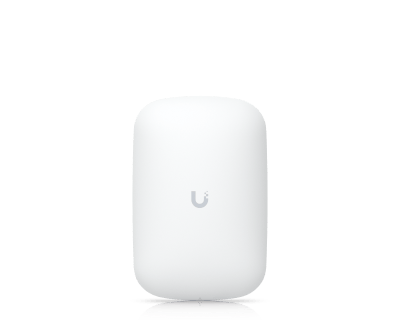
U6 Extender
Easy-to-deploy WiFi 6 extender that plugs into a wall outlet
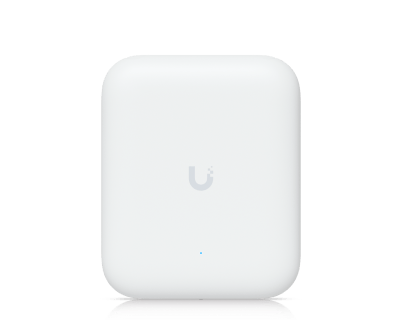
U7 Pro Outdoor
Outdoor rugged IP67 design with extended-range AFC 6 GHz support
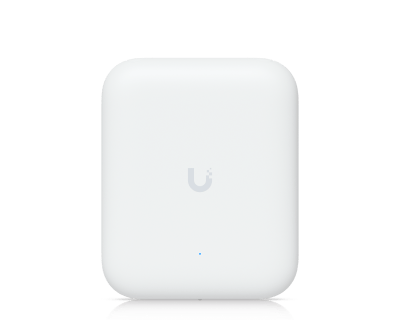
U7 Outdoor
Integrated directional super antenna for long-range coverage
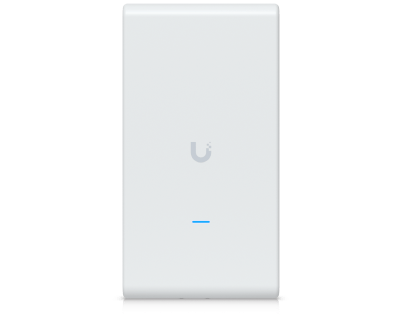
U6 Mesh Pro
Integrated omni super antenna for extended range
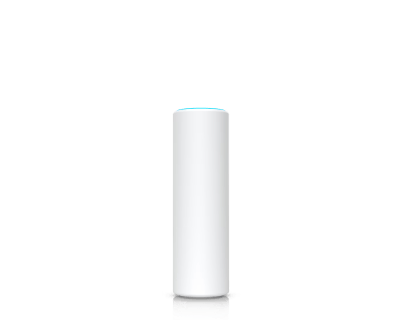
U6 Mesh
Sleek design for versatile indoor/outdoor installation
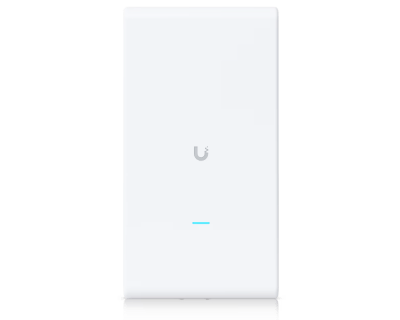
AC Mesh Pro
Extended signal range tailored for outdoor coverage
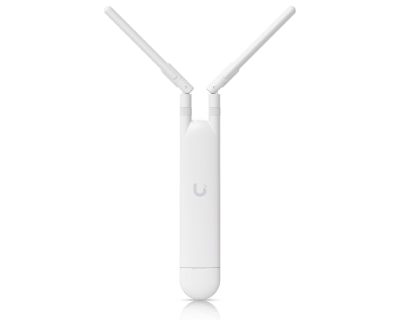
AC Mesh
Compact with external antenna support for directional coverage
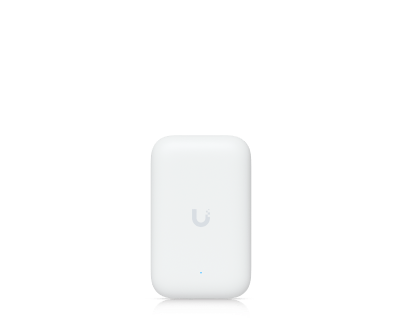
Swiss Army Knife
Ultra-compact with external antenna support and incredible value
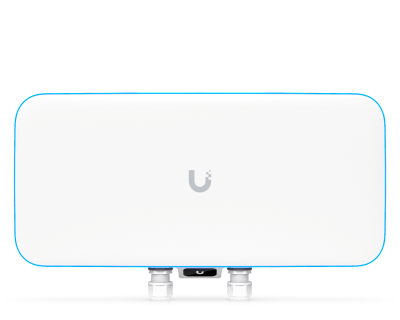
WiFi BaseStation XG
1500+ client devices for high-density environments like stadiums and arenas
Product Comparison
| Feature |
E7 Campus
New
|

Select from Above
|
Select from Above
|
|---|---|---|---|
|
Dimensions
|
|||
| Device | 250 x 250 x 45.5 mm (9.8 x 9.8 x 1.8") |
- | - |
| Articulating mount | Ø104 x 149.4 (Ø4.1 x 5.9") |
- | - |
|
WiFi Technology
|
|||
| Standard | WiFi 7 Tri-radio 2.4 / 5 / 6* GHz 10 spatial streams |
- | - |
|
6 GHz Radio
|
|||
| 6 GHz Support | ✓ | - | - |
| 6 GHz Extended Range Mode | ✓ * | - | - |
|
Advanced Features
|
|||
| Dedicated Spectral Scanning Radio | ✓ | - | - |
| High Selectivity PRISM™ RF Filtering Technology | ✓ | - | - |
|
Antenna & Coverage
|
|||
| Antenna Type | Directional | - | - |
| Coverage | Directional: 465 m² (5,000 ft²) open space | - | - |
| Connected Devices | 1,000+ | - | - |
|
Physical Specifications
|
|||
| Weatherproofing | IP67 | - | - |
| Power Method | PoE++ | - | - |
| Uplink | 10 GbE | - | - |
| Redundant RJ45 Port for High Availability | ✓ | - | - |
| Mounting | Wall Pole Ceiling |
- | - |
| Remark | *Compatible with UniFi Pro Mounting | - | - |
Frequently Asked Questions
UniFi is a state-of-the-art solution allowing you to effortlessly manage 100+ APs in the same way you manage an individual AP. They offer enterprise quality hardware performance in a variety of elegantly designed form factors for a wide range of applications in any professional environment.
Pair with a UniFi Cloud Gateway for a full-featured UniFi Network including enhanced network security and traffic analytics, built-in VPN access, and powerfully intuitive Policy-Based Routing (PBR).
- Make sure UniFi is set up and running.
- Turn on your UniFi AP and make sure it has connectivity to your UniFi Console*
- Open your UniFi Mobile App (iOS / Android) or navigate to your UniFi Site Manager.
- Click/tap to adopt when your device pops up.
APs are powered on when connected to a UniFi PoE Switch or AC power supply using a PoE Adapter.
*A UniFi Cloud Gateway is recommended for the most seamless setup experience.
We have a versatile lineup of APs for use anywhere.
- Enterprise: Incredible 1,000+ client capacity, long-range 6 GHz performance, and 10 GbE PoE connectivity with native high availability architecture for critical enterprise environments.
- Flagship: High-performance ceiling-mounted access points.
- Wall: Sleek APs that plug directly into a wall outlet for meshed connectivity*, or transform an ethernet drop into an AP.
- Outdoor: Versatile, weatherproof APs that can be mounted to poles outside, or conveniently placed on a surface indoors.
- Bridging: Serves as a high-performance network bridge, without the wire.
*Wireless meshing requires a UniFi Console and is not available for Standalone AP setups.
Most UniFi APs are capable of covering 1,000-2,000 ft2 (95-185 m2). Given that walls and other obstacles may degrade signal, we generally recommend having at least one AP per 1,000 ft2 (95 m2) to maximize performance and connectivity.
Use our free UniFi Design Center to upload or draw floor plans, place UniFi devices, and confirm WiFi coverage information and cabling requirements.
Once deployed, our WiFiman Mobile App (iOS/Android) is an excellent utility for optimizing your UniFi WiFi. It features speed testing, latency measurements, and real world signal mapping of your floorplan.
Most APs require Power-over-Ethernet (PoE) which can be provided with a UniFi PoE Switch or a UniFi PoE Adapter. Make sure to check the device's store page when determining which PoE Mode is required.
Other APs, such as the U6 Extender, can be plugged directly into an AC outlet.
Yes, all UniFi APs automatically form a mesh network, broadcasting the same WiFi so you can maintain connectivity while roaming between your access points.
Our APs also support wireless meshing to one another so you can eliminate dead zones without the need to run additional cabling. Simply plug your AP into a UniFi PoE Adapter connected to an AC power outlet within range of a nearby access point to enable setup.
Note that meshing is not available for Standalone Access Points (without UniFi).
Absolutely not. Our goal is to provide you a feature-rich environment without any hidden fees.
UniFi APs are configured to balance speed and interference protection. To prioritize speed, simply increase the channel width used by your AP. For example, our 5 GHz radios default to using a 40 MHz channel width, but they can be manually configured to use 80 MHz, or even 160 MHz within UniFi Network's settings.
We recommend using the WiFiman Mobile App (iOS/Android), or UniFi Network's Radio Manager, to confirm interference levels prior to increasing channel widths.
Get Your Free Quote
Fill out the form below and our team will get back to you within 24 hours
At IDSL, we're your go-to partner for cutting-edge technology solutions in the UK. Our services cover CCTV, Security Systems, Broadband, Telecom Connectivity, and more. With a reputation for reliability and innovation, we offer monthly billing per user, excluding VAT, with a 12-month commitment. Our promotions last 6 or 12 months, returning to standard pricing thereafter. Unlimited calling is available, terms apply. Visit www.idsl.online for details. Please note, images on our site may feature IDSL CCTV Cameras and other equipment features under development.
Need sales advice? Call...
020 38 709 800
IDSL is your partner for accessing advanced technology-based services and products in the UK.
Setup Direct Debit Remote Support Session
Copyright © 2026 IDSL. All Rights Reserved.